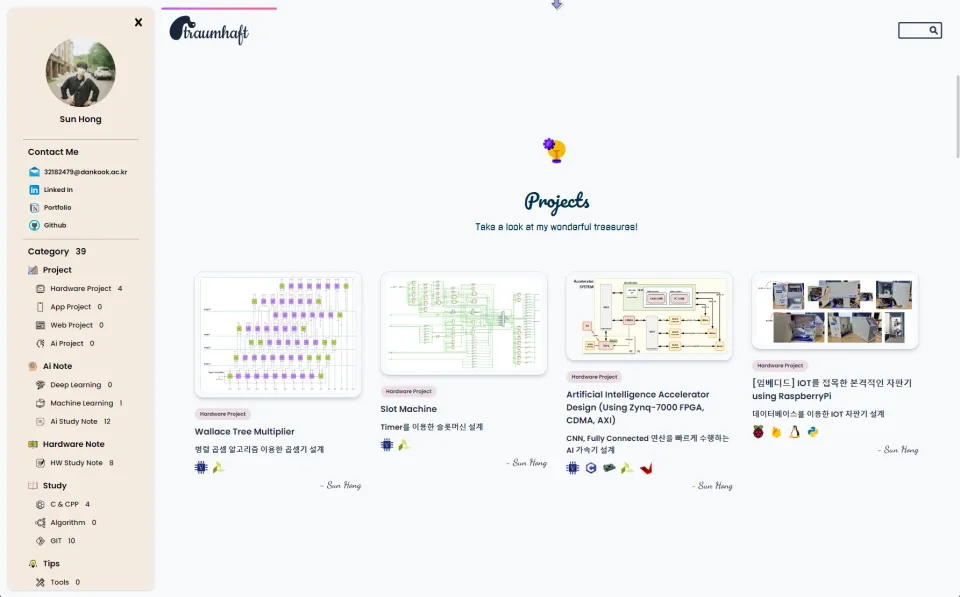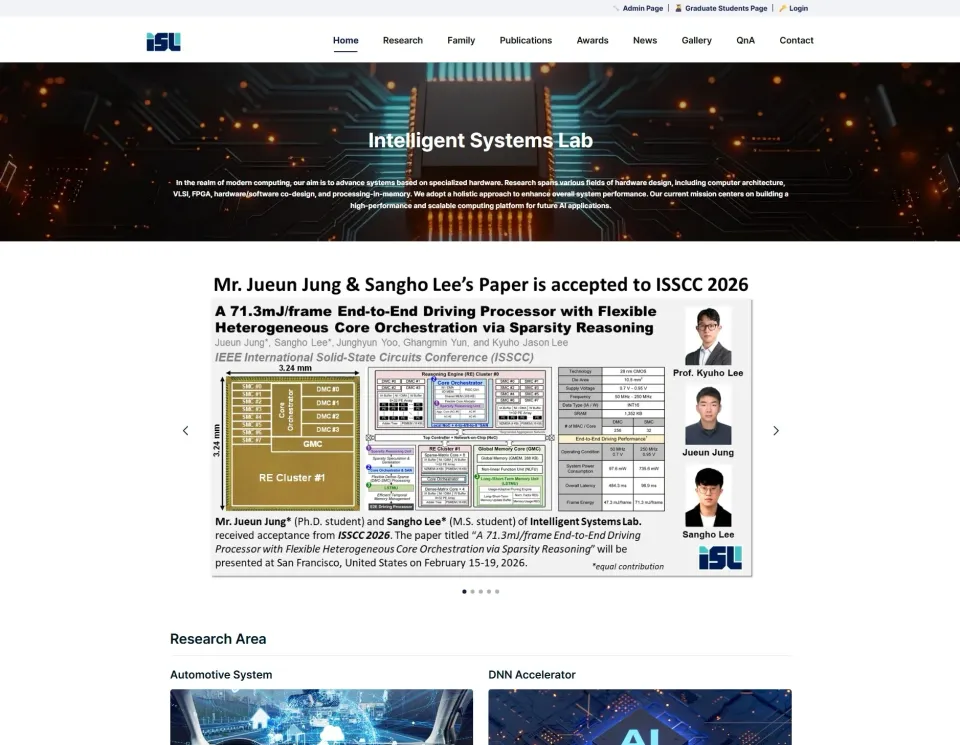
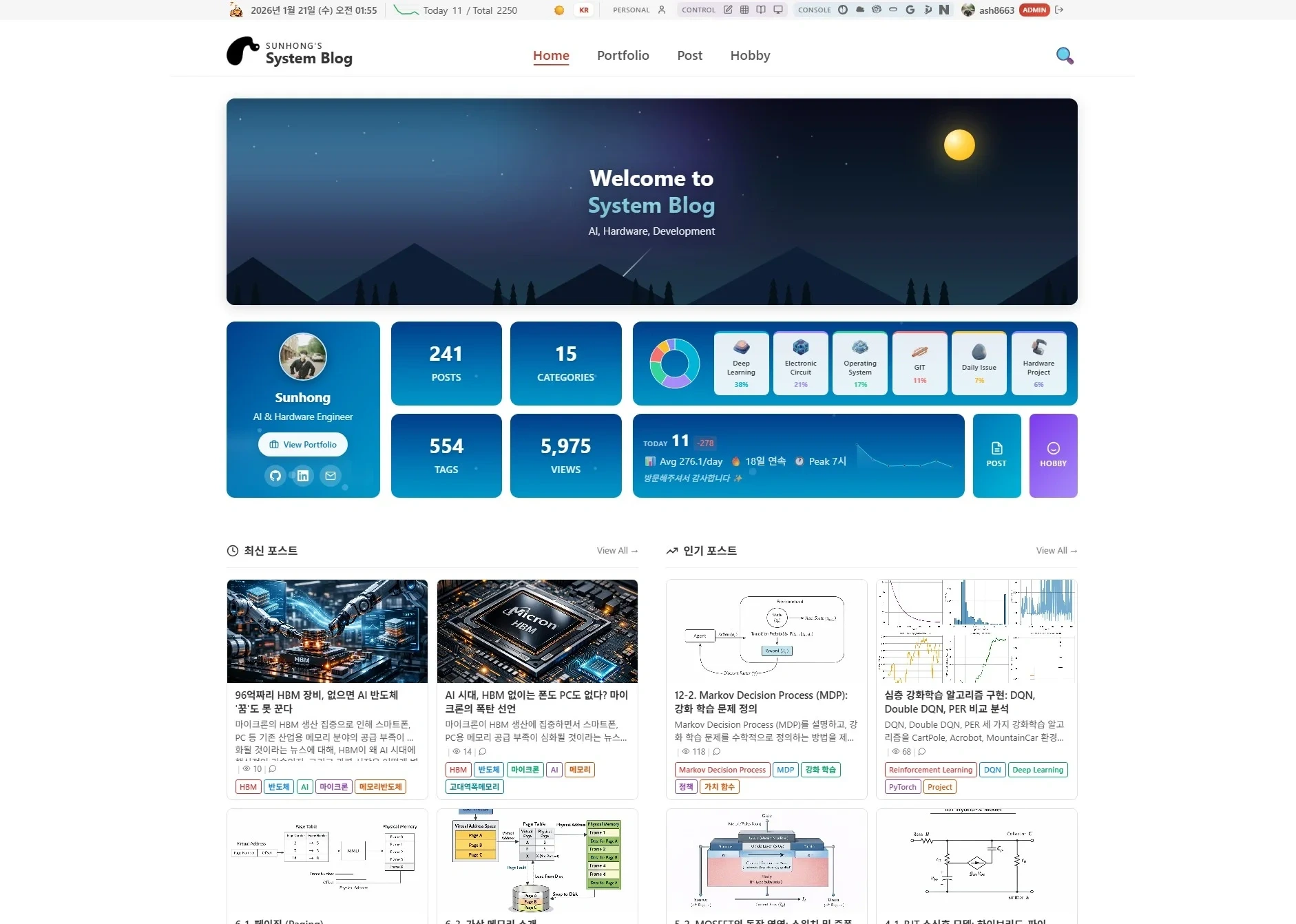
This is a personal tech blog built with Django and plain JavaScript/CSS. I implemented Markdown-based writing, category management, and AI features myself.
1. Project overview
1.1 Motivation
I wanted to get away from the limits of existing blog platforms (Tistory, Velog, and so on) and build a fully customizable personal blog. Building it myself let me add whatever features I wanted and deepen my understanding of web development as a whole.
1.2 Main goals
- Markdown-based tech blog writing
- A hierarchical category system
- Code highlighting and math rendering
- SEO optimization
- AI features (summaries, translation, etc.)
- An admin dashboard
2. Tech stack
2.1 Backend
| Area | Technology |
|---|---|
| Framework | Django 4.2+ |
| Database | PostgreSQL |
| Authentication | django-allauth |
| Security | django-recaptcha, django-turnstile |
| Image processing | Pillow |
| Markdown | python-markdown, mdx-truly-sane-lists |
| AI | Google Generative AI (Gemini) |
2.2 Frontend
- Plain JavaScript (no framework)
- CSS3 (no SCSS, plain CSS)
- Code highlighting: Prism.js
- Math rendering: KaTeX
- Icons: Font Awesome
2.3 Infrastructure
- Server: Oracle Cloud (ARM instance)
- Web server: Nginx
- Containers: Docker, Docker Compose
- SSL: Let's Encrypt
3. Main features
3.1 Post management
Markdown editor
- Live preview
- Drag-and-drop image upload
- Automatic code block language detection
- Math input support (KaTeX)
Category system
- Two-level hierarchy (category > subcategory)
- Post lists per category
- Custom category icons
Post status management
- Draft / Published states
- Scheduled publishing
- View counting
3.2 Search and filtering
- Full-text search over titles and content
- Category filter
- Tag-based filtering
- Sort by newest or most popular
3.3 AI features
AI features using the Google Gemini API:
- Automatic post summaries
- English translation
- Related post recommendations
- Typo and grammar checking
3.4 SEO optimization
- Dynamic meta tag generation
- Open Graph / Twitter Card
- Structured data (JSON-LD)
- Automatic XML sitemap generation
- robots.txt management
- Google Search Console integration
3.5 Other pages
Portfolio: project list and detailed descriptions Guestbook: messages from visitors About: self-introduction page Contact: contact details and inquiry form
4. System architecture
4.1 Django app structure
system-blog/
├── config/           # Project settings
│   ├── settings.py
│   ├── urls.py
│   └── wsgi.py
├── blog/             # Main blog app
│   ├── models.py     # Post, Category, Comment models
│   ├── views/
│   │   ├── public.py   # Public page views
│   │   ├── edit.py     # Post create/edit views
│   │   ├── ai.py       # AI feature views
│   │   └── category.py # Category management
│   ├── templates/
│   └── static/
├── templates/        # Global templates
├── static/           # Static files
└── media/            # Uploaded files
4.2 Database models
Main fields of the Post model
- title, slug, content
- category (FK)
- tags (ManyToMany)
- is_draft, view_count
- created_at, updated_at
- summary, summary_en (AI-generated)
Category model
- id (string PK, e.g. "010100")
- name, parent
- icon, description
4.3 URL structure
/                     # Home
/post/<slug>/         # Post detail
/category/<id>/       # Posts by category
/search/              # Search
/about/               # About
/portfolio/           # Portfolio
/guestbook/           # Guestbook
/edit/                # Write a post (admin)
5. Implementation details
5.1 Markdown rendering
Extensions added to the python-markdown library:
- Table support
- Code fences (with language)
- Footnotes
- Automatic table of contents
- Image size syntax
5.2 Image processing
- Automatic WebP conversion on upload
- Automatic thumbnail generation
- Lazy loading
- A structure ready for a CDN
5.3 Security
- CSRF protection
- XSS prevention (Markdown filtering)
- SQL injection prevention (Django ORM)
- Rate limiting
- Cloudflare Turnstile (bot protection)
5.4 Performance optimization
- Database query optimization (select_related, prefetch_related)
- Static file caching
- Gzip compression
- Image optimization
6. Deployment
6.1 Docker setup
services:
  web:
    build: .
    volumes:
      - ./:/app
    environment:
      - DJANGO_SETTINGS_MODULE=config.settings

  nginx:
    image: nginx:alpine
    volumes:
      - ./nginx.conf:/etc/nginx/nginx.conf
      - ./static:/static
      - ./media:/media
    ports:
      - "80:80"
      - "443:443"

  db:
    image: postgres:15
    volumes:
      - pgdata:/var/lib/postgresql/data
6.2 CI/CD
- Connected to a GitHub repository
- Automatic deployment script on push
- Automated database backups
7. Future plans
- Improve the comment system (nested replies)
- Dark mode support
- PWA support
- Better search (Elasticsearch)
- Newsletter subscriptions
- A more advanced statistics dashboard
8. Conclusion
Building the blog myself with Django and plain JavaScript let me experience the whole web development process. The goal was to build solid fundamentals without leaning on a frontend framework, and implementing each feature myself gave me a deep understanding. It is currently running with more than 300 technical posts.