
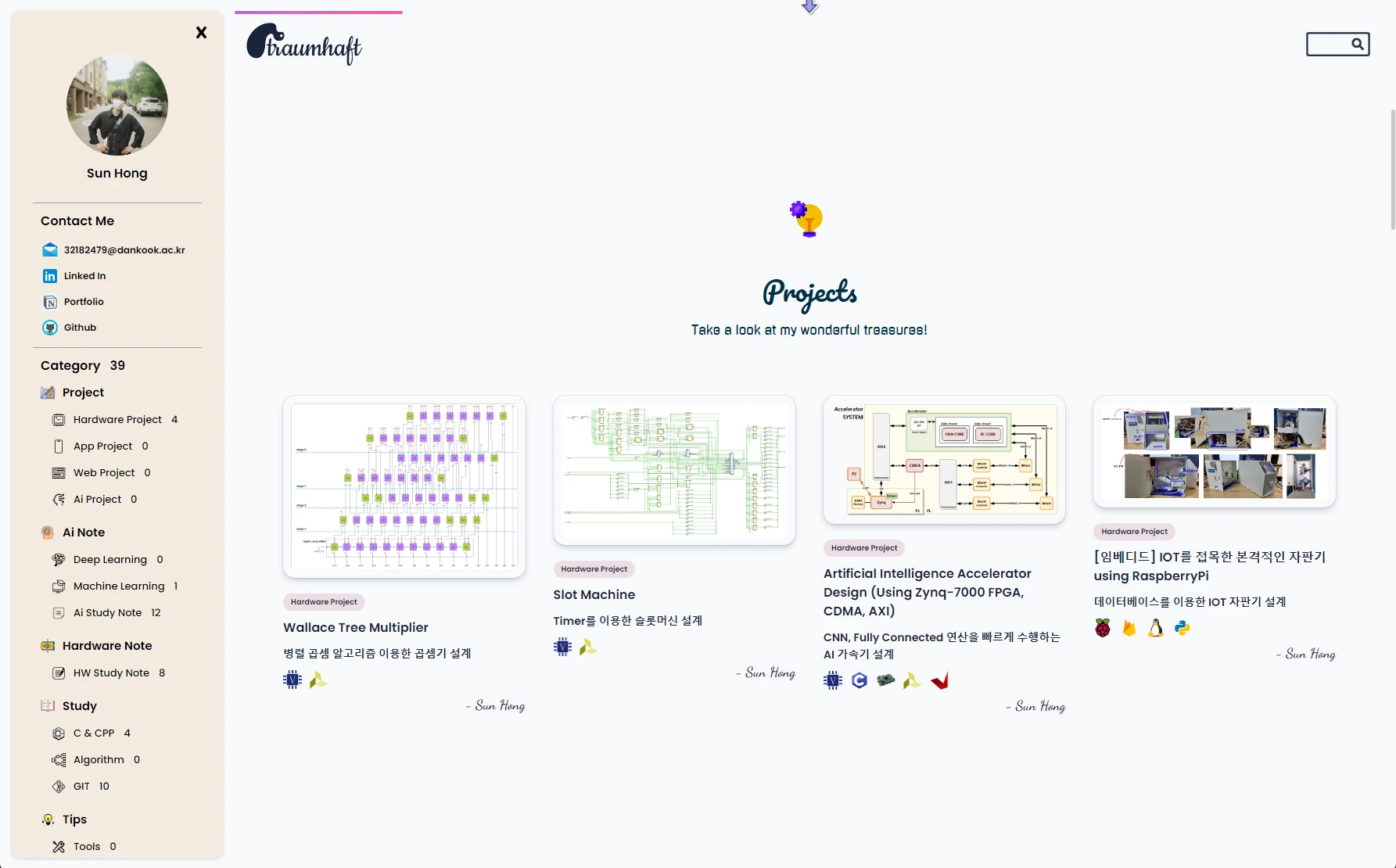
This is a record of building my first blog with GitHub Pages + Jekyll. It walks through setting up a GitHub Blog, a rite of passage that many developers go through at some point.
Why a GitHub Blog
To run a blog as a developer portfolio, the following conditions matter:
- Tracking post history with version control
- Writing quickly in Markdown
- Built-in code highlighting
- Free hosting
- Room for customization
GitHub Pages meets all of them. Push static HTML to a personal repository and it is deployed automatically; hook up Jekyll and Markdown is converted to HTML for you.
Setup
1. Create the repository
Create a repository named username.github.io. GitHub Pages automatically serves a repository with this special name at the root domain.
2. Pick a Jekyll theme
Rather than building from scratch, it is more practical to fork an open-source theme and start from there. I customized the minimal-mistakes theme. It is feature-rich and well documented.
3. Configure _config.yml
Write the site-wide settings:
- Site title, description, and author info
- Navigation menu
- Social links (GitHub, LinkedIn, etc.)
- Enabled plugins
4. Write posts in the _posts/ directory
The file name must follow the YYYY-MM-DD-title.md format. Each post specifies its metadata in front matter at the top:
---
title: "Post title"
date: 2023-12-27
categories: [Category1]
tags: [tag1, tag2]
---
5. Local preview
bundle exec jekyll serve gives you a live local preview. It rebuilds automatically when you edit.
6. Push → automatic deploy
On git push, GitHub Actions builds and deploys the site. Within a few minutes it is reachable from anywhere in the world.
Problems I ran into
Category/tag pages were not generated
Jekyll's jekyll-archives plugin is not supported by the default GitHub Pages build. The fix is either to write the HTML files yourself or to run a custom build with GitHub Actions.
Slow image loading
GitHub Pages serves images through a CDN, but it is on the slow side. Routing them through an external CDN (jsDelivr) made it feel much faster.
Comment system
A static site has no database, so comments need an external service. I solved this by adding utterances (based on GitHub Issues).
SEO
Jekyll provides a sitemap/robots.txt out of the box, but you still have to register the site with Google Search Console yourself. The jekyll-seo-tag plugin generates meta tags automatically.
Pros and cons
Pros:
- Completely free
- Fast writing in Markdown
- History managed with Git
- A workflow developers already know
Cons:
- No database, so dynamic features are limited (comments, view counts, etc.)
- Jekyll build times grow as content accumulates
- Complex plugins are not allowed (GitHub Pages whitelist)
Moving on
After running this blog for about a year, I needed more features (view counts, search, comments, an admin dashboard, and so on), so I moved to a self-built Django blog (now sunhong.me). Hitting the limits of a static site was what made me appreciate the advantages of a dynamic service.
A GitHub Blog is a great starting point for developers, but if you want to run a blog seriously, you seem to end up with your own server and framework sooner or later.